How it works.
The essentials for cooking, making coffee, doing laundry and managing the temperature.
Induction hob: how to turn it on
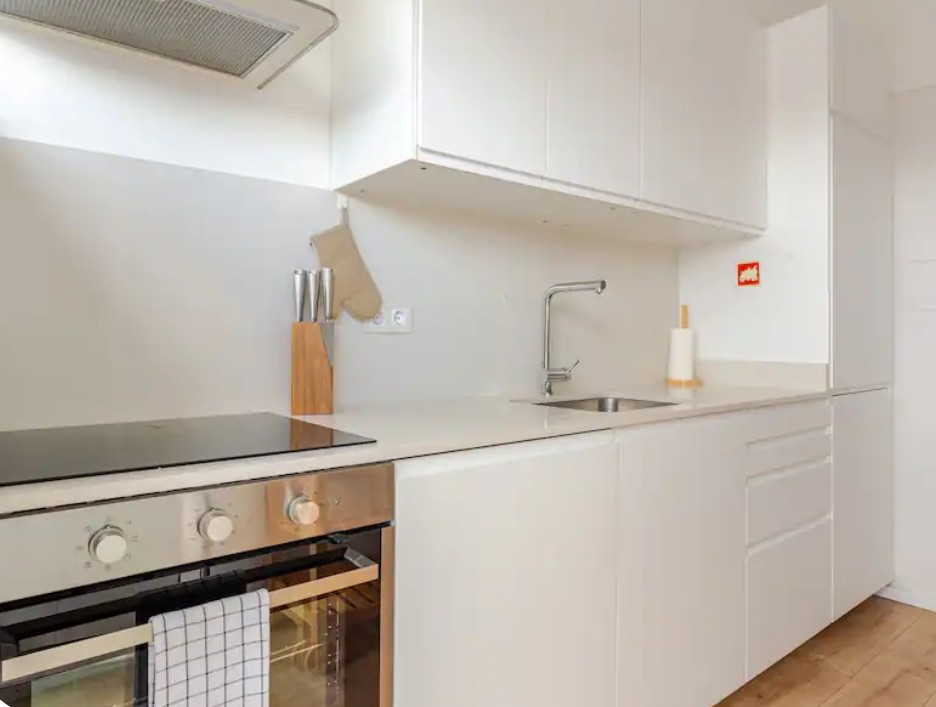 The hob is the dark surface to the left of the sink.
- Tap the on/off button on the hob (Ⓘ symbol).
- Tap the cooking zone you want to use.
- Slide your finger along the scale to choose the power level (0–9).
- For quick maximum power, tap P (booster), ideal for boiling water.
Important: only works with magnetic pans (most steel/iron ones). If the pan doesn't heat up, it's not compatible.
Cleaning: the surface cools in seconds. A damp cloth is enough. Please don't use abrasive products.
Oven: basic modes
The oven has two rotary knobs: the left one selects the mode (top element, bottom element, fan, grill), the right one sets the temperature.
| For | Use |
|---|---|
| General baking (pizza, lasagna) | Fan oven · 180–200 °C |
| Roasting meat / fish | Top + bottom · 180 °C |
| Browning / grilling | Grill · a few minutes |
Preheat for 5–10 minutes before putting the food in.
Dishwasher: programmes
Add a tablet to the dispenser on the door, choose a programme and press Start.
| Programme | When to use it |
|---|---|
| Eco | Everyday. Slower, uses less. |
| Quick | Lightly soiled dishes, in a hurry. |
| Intensive | Pots, pans, baked-on food. |
At the end the door opens on its own. That's normal: it lets the dishes air-dry.
You'll find tablets, salt and rinse aid under the sink. Refill when the indicator blinks.
Nespresso: espresso or lungo
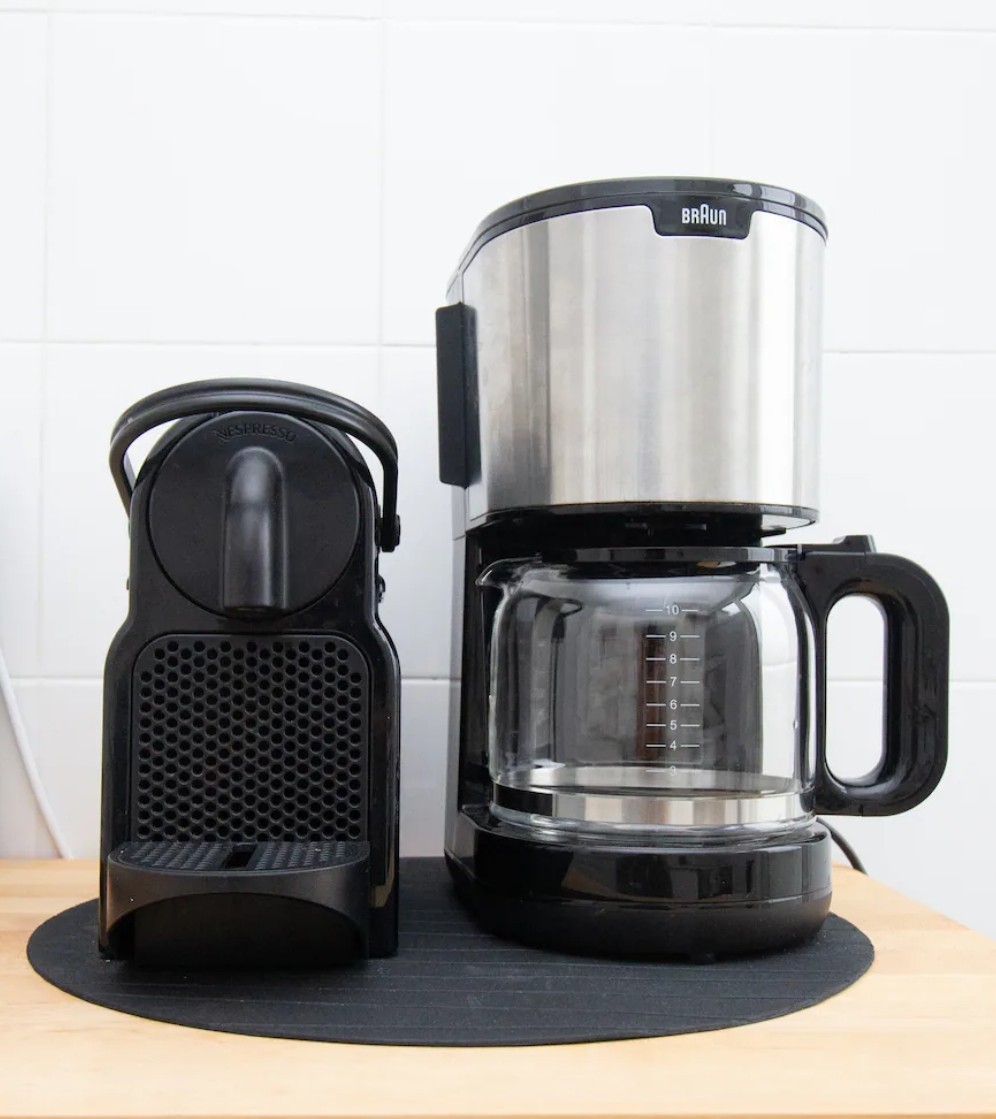 On the left, the Nespresso. On the right, the filter coffee machine.
- Check the water tank (at the back) has water.
- Tap one of the two buttons to turn it on. Wait until they stop blinking.
- Lift the lever, drop in a capsule, close.
- Place your cup and tap Espresso (40 ml) or Lungo (110 ml).
To stop earlier, tap the button again. Used capsules drop into the internal tray: empty it when it's full.
You'll find capsules in the cupboard next to it.
Filter coffee machine
- Fill the water tank with the amount you want (markings for 1–10 cups).
- Open the filter holder and place a paper filter (in the drawer).
- Add ground coffee, about 1 spoon per cup.
- Close and press the on/off button.
The machine keeps the coffee warm once brewed.
Washing machine
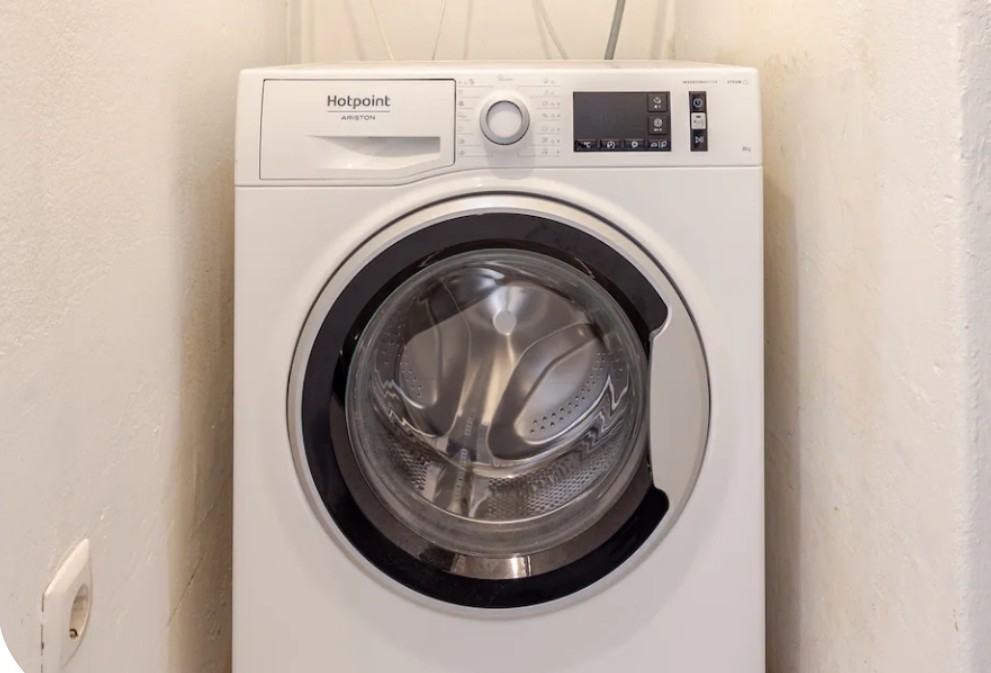 In the utility area.
- Add detergent to the top drawer (compartment II).
- Turn the centre dial to choose the programme.
- Press on/off and then Start/Pause.
| Programme | When to use it |
|---|---|
| Eco 40-60 | The everyday programme. Mixes loads. |
| Quick | Lightly soiled clothes, in a hurry. |
| Delicates / Wool | Fine fabrics, knits. |
The detergent is on top of the machine. There's no dryer, but you'll find a clothes rack on the balcony.
Heating: radiators
There's one radiator in the living room and one in each bedroom.
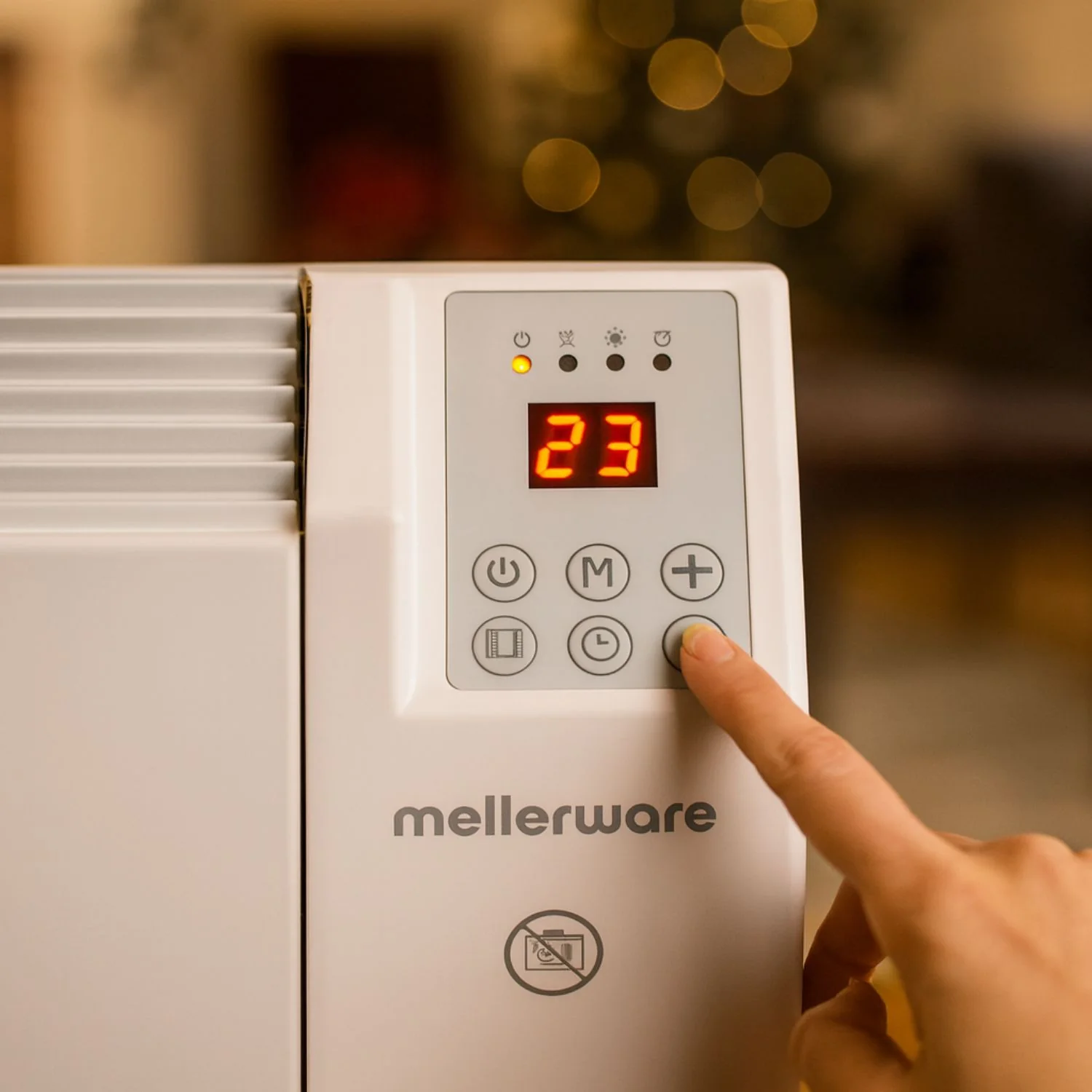 Control panel. The room temperature shows on the display.
- Press the on/off button.
- Use + / − to set the temperature you want.
How it works: the radiator always runs at the same power. Setting the temperature very high doesn't heat faster, it just keeps the radiator on for longer. Set the temperature you want in the air (say 22 °C) and it switches on and off by itself to hold that value.
Please turn off the radiators when you leave the flat.
Ceiling fan (living room)
There are two controls: the wall switch (in the living room) and the remote (on the table).
Both control:
- On/off for the fan and the light
- 6 speeds: 1 (silent) to 6 (max)
- Timer 1h–8h to switch off by itself
- Light colour: warm, neutral, cool
It's very quiet at the lower speeds, perfect for sleeping.
Tower fans (bedrooms)
Each bedroom has a Xiaomi tower fan. The buttons are on the top:
- On/off
- Speed: tap to change
- Mode: direct, natural (simulated breeze), night (silent)
- Oscillation to spread the air
- Timer to switch off by itself
The night mode is almost inaudible, ideal for the night.